Live wallpaper · Android
SpriteFall
A tiny procedural world that keeps your clock, your weather and your battery. Every pixel is drawn on the device from a seed. There is not one bitmap in the app. Tap it.
The Play listing opens at launch. If you want it before then, email me.
A town on a hillside
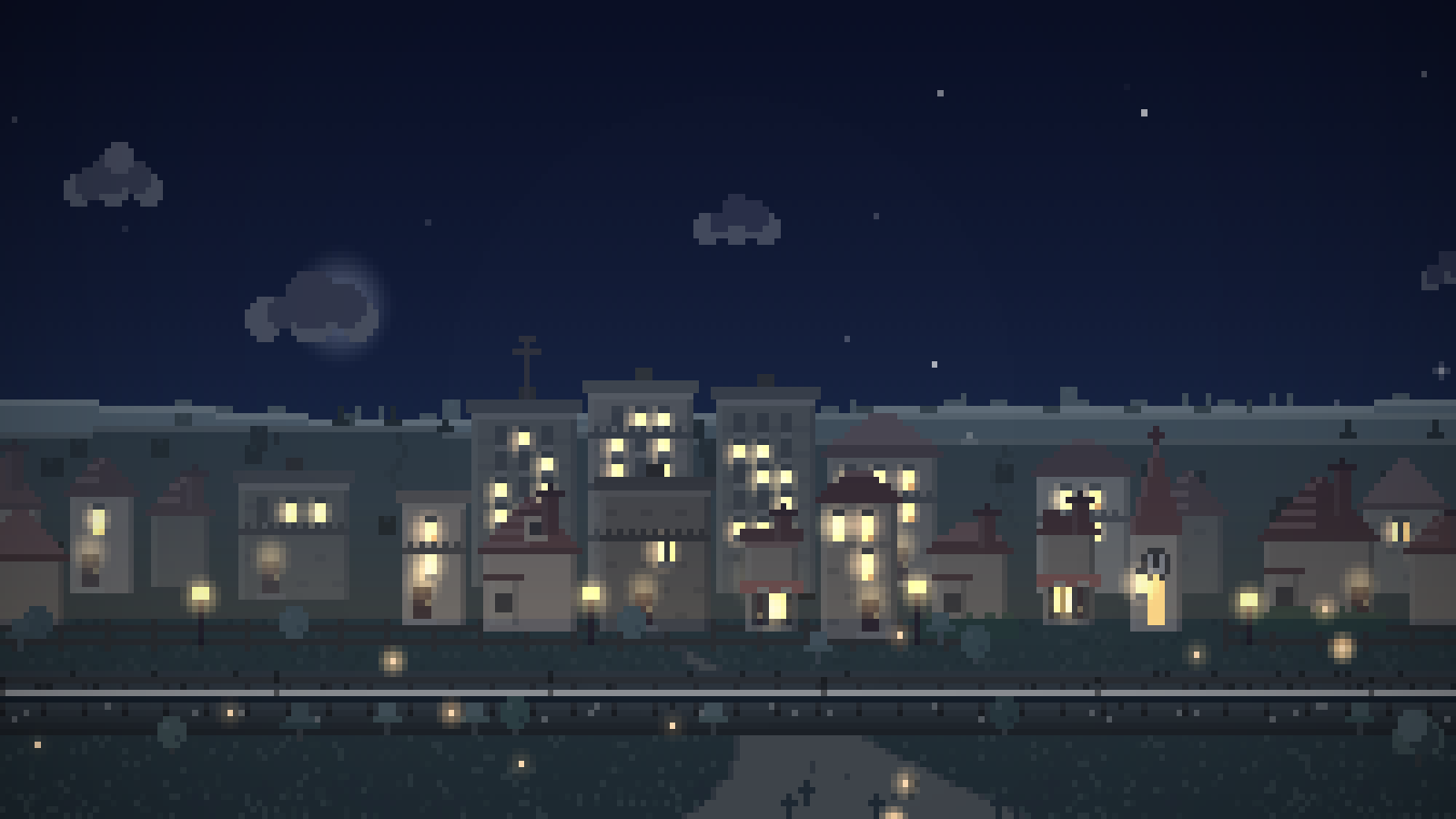
Most live wallpapers are an effect. This one is a place: a town on a hillside with a railway behind it, lights that come on when it gets dark, and weather that rolls through. The sky follows your actual clock, the moon shows its actual phase, and the town fills out a little every day you keep it.
The whole scene is generated on your phone from a seed. There are no bitmap assets in the app at all, which is why it installs in a few megabytes and why New world is one tap.
- A growing set of places and palettes, and building styles to put on them
- A real day-night cycle, or a fixed hour, or a day on a loop
- Trains, boats, deer, dogs, cats, balloons, planes, birds, fireflies
- Tap a window to switch its light off, a tree to shake it, the sky for a lantern
- Runs as your Android screensaver too
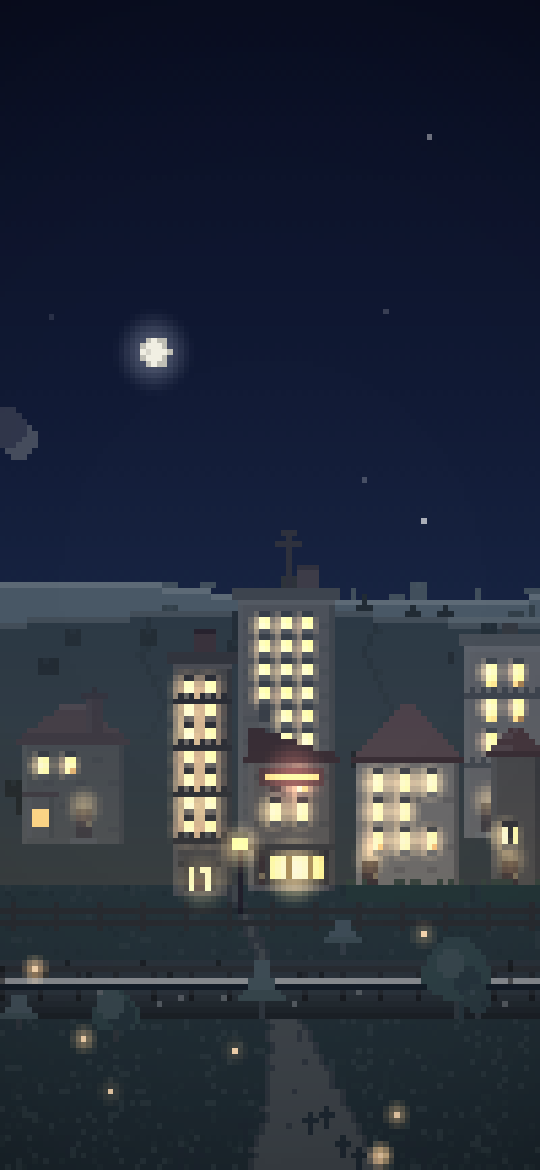
The app's own renderer, ported to JavaScript and running in your browser: the same code and the same seeds, without the animals and the live weather. Tap it: the windows, the trees, the ground and the sky all answer here too. A whole day goes round every twenty-four seconds here. On a phone it takes a day.
Places to live
The town and the coast are free; the rest come with Pro, and more get added. Every one of them takes any palette, so the colour is a separate decision from the place.
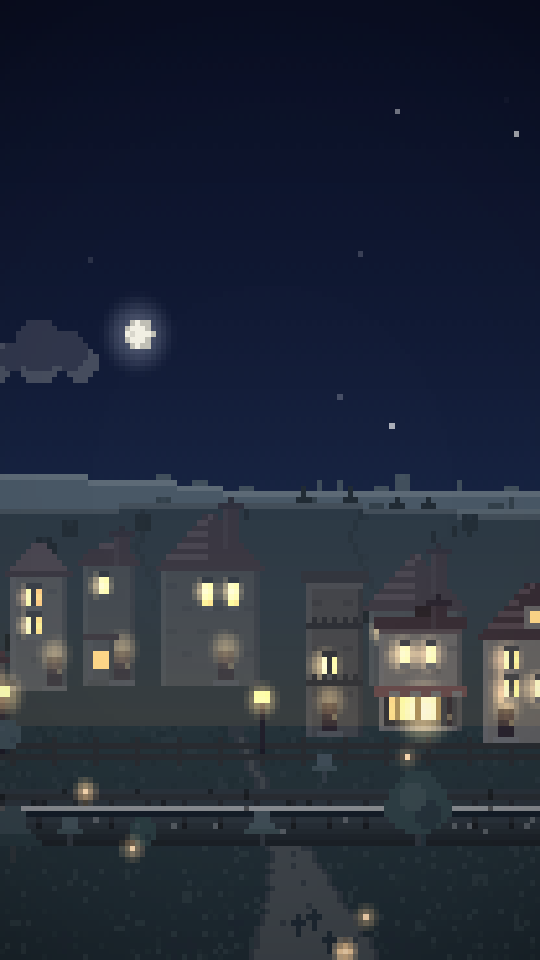
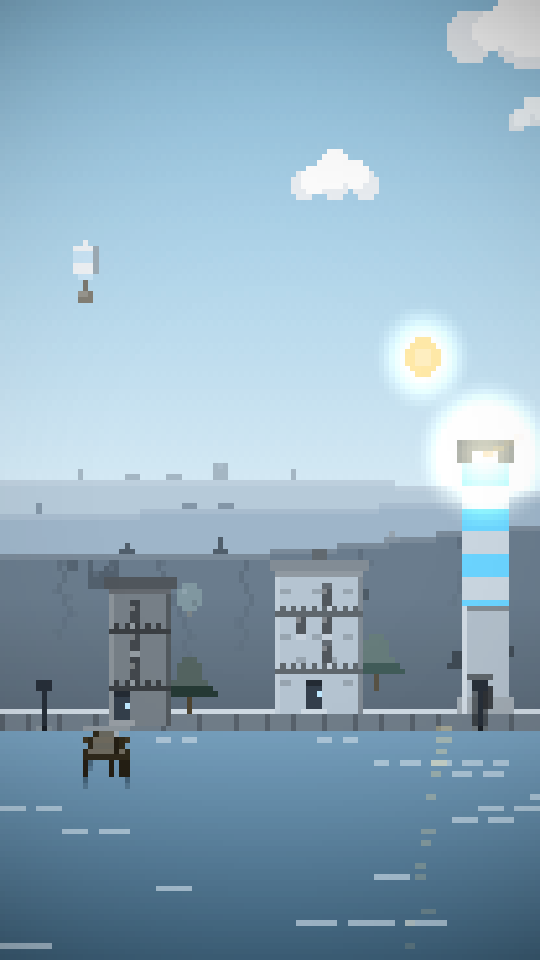
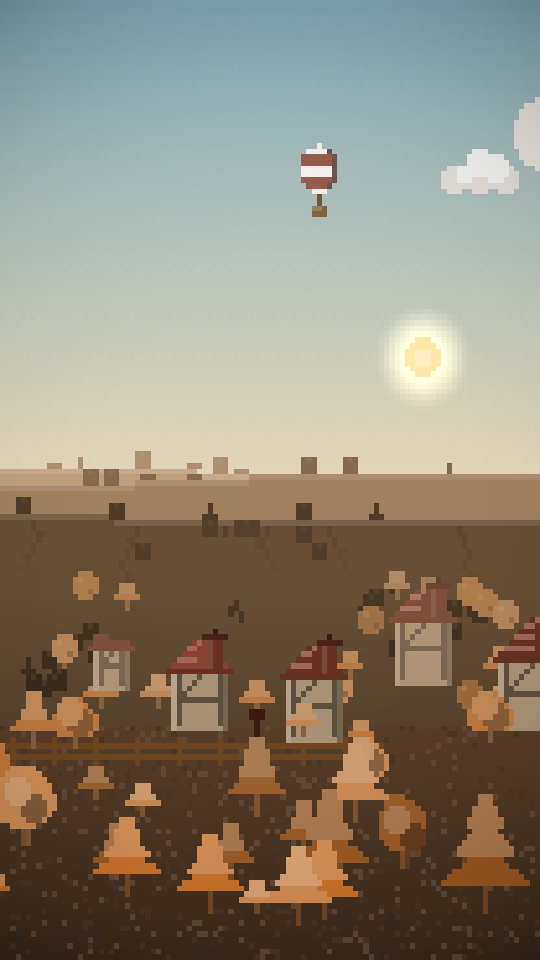
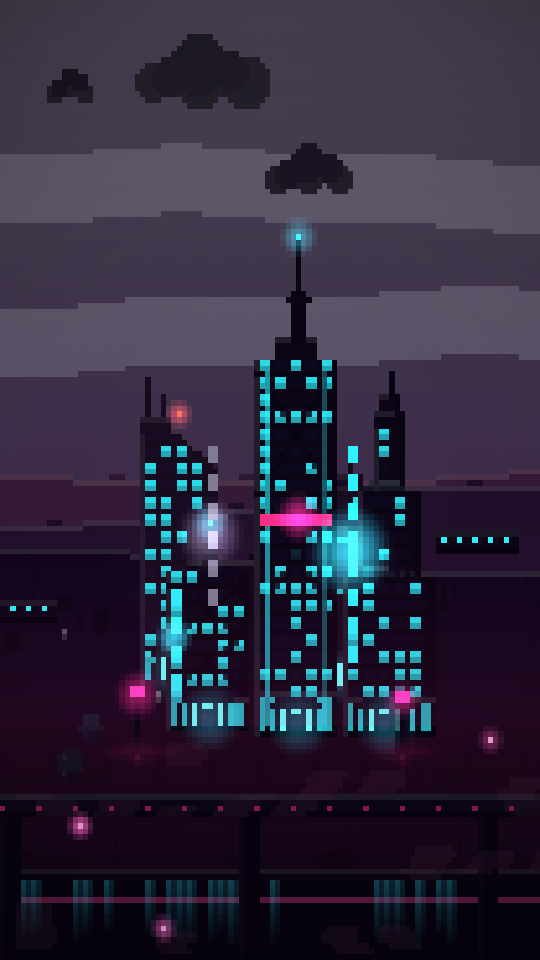
Four of them. There are others in the app, including a wasteland that is this same town afterwards. These tiles are that same renderer with the Pro extras switched off, so they are what a free install looks like. They are live, so tap one: a window switches its light, a tree shakes, the ground ripples and the sky gets a firework.
One world, any palette
A palette is not a filter laid over the top: every sky, wall, roof, lamp, tree and reflection in the scene comes out of the one you pick. Some are free, the rest come with Pro, and the list keeps growing.
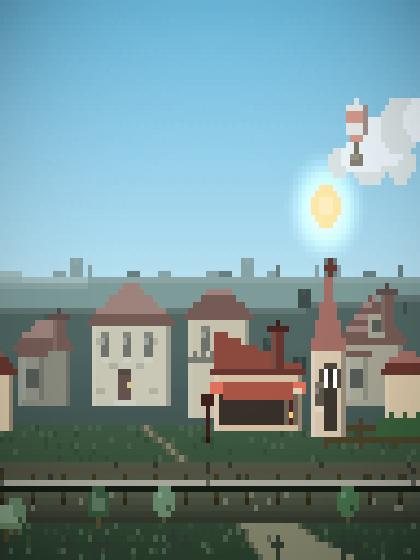
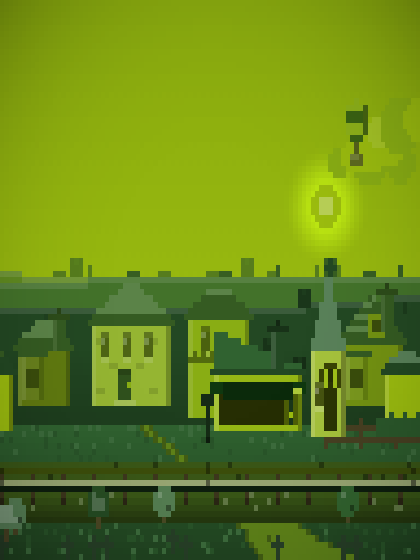
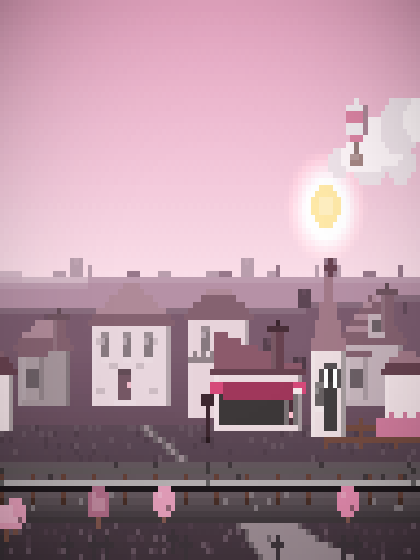
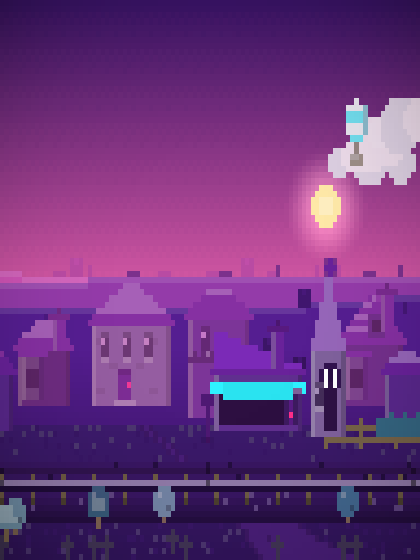
The same town, the same seed, the same hour, four times. There are more palettes in the app than these four.
Everything is a setting
Nine screens of them, and a live preview of the world sitting next to every one, so you can see what you just changed without leaving the app.
The real time of day
The sky follows your clock, with sunrise and sunset where they belong. Or pin it to one hour, or run a whole day round in as little as a few minutes.
Live weather
Rain, snow and fog, drifting through on their own. Or the real sky over a place you name: looked up twice an hour, nowhere else, nothing sent but a rounded latitude and longitude.
Live displays
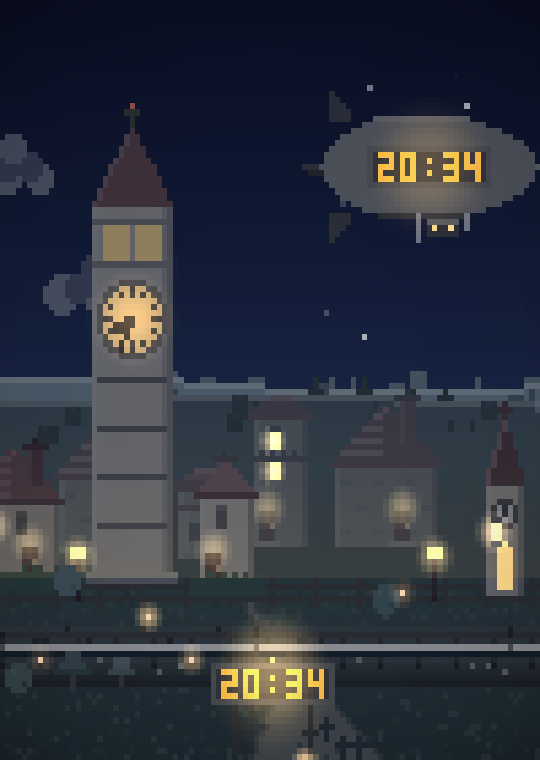
A clock tower in the street, an airship over the town, a sign in the field or on a rooftop, carrying the time, the date, your battery or the temperature. Any combination, anywhere you like.
Pixel size is yours
Set how chunky the art pixels are, how much grain is dithered into the sky, how dark the corners go, and how far the world slides as you change home screens.
Tap anything
Windows switch their lights on and off. Chimneys get shoved. Trees shake and startle whatever was sitting in them. The grass, the pavement and the sea ripple. A tap on the sky sends up a lantern or a firework.
Easy on the battery
Pick a frame rate from 1fps upward. Tell it to freeze into a still picture below a battery level you choose, and the town can dim as the charge drains. Android pauses it entirely whenever your screen is off.
The world grows
Keep it a while and the town fills out: a few more buildings and trees every day, saplings turning into canopies, houses gaining a floor. There is a button that winds it forward a few weeks so you can see what that looks like.
Nothing hidden
No ads, no account, no subscription, no analytics and no crash reporting SDK. The only thing the app ever sends anywhere is a weather lookup, and only if you switch live weather on.
Also a screensaver
Set it as your Android screensaver and the same world runs while the phone charges on the desk.
Weather that is actually the weather
Switch live weather on and pick a town, by name or from your location, and the sky over your home screen is the sky outside. Raining in Bristol means raining on the town. Overcast means no stars, because an overcast sky has not got any.
It asks Open-Meteo at most twice an hour, sends nothing but a latitude and longitude rounded to about a kilometre, and keeps the last reading when it cannot reach the service. Set a display to read the temperature and it is a real reading of a real place.
Live weather, chosen weather and the displays are part of Pro. Drifting weather is free.
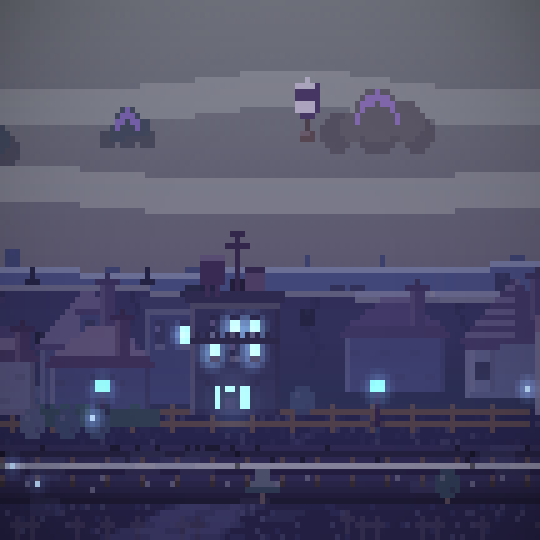
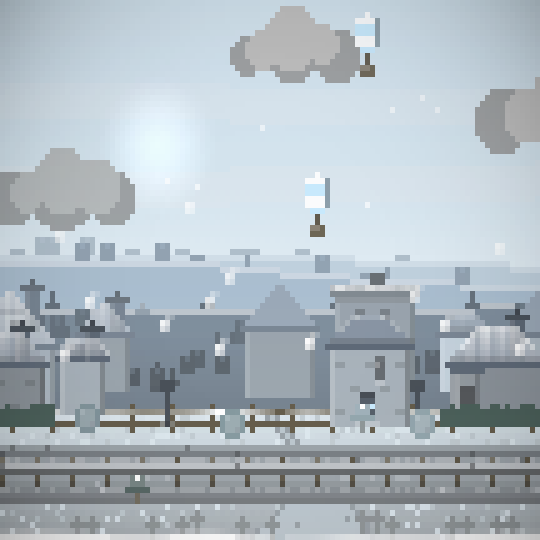
Free, or Pro
The free app is a whole wallpaper, not a demo: the town and the coast, a choice of palettes, the real day-night cycle, every creature, every tap effect and the low-battery freeze. Pro is one payment and it covers everything else, for good.
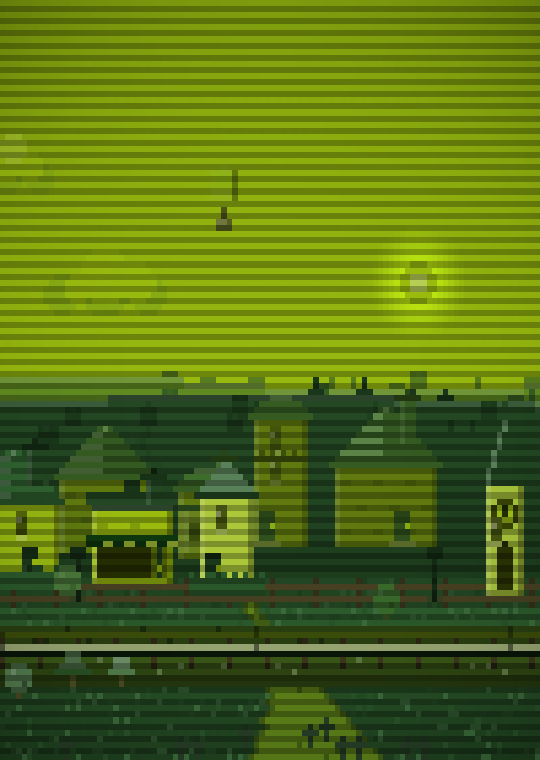
Every other picture on this page is a free install. These two are not: both stay switched off until you unlock Pro.
| Free | Pro | |
|---|---|---|
| Scenes | Town and Coast | Every scene, including the ones added later |
| Palettes | Hollow, Midnight, Handheld | Every palette, including the ones added later |
| Building styles | None, Mixed, Country, Future | …plus High-rise and Suburb |
| Time of day | Clock, fixed or looped | Same |
| Weather | Drifting, on its own | …plus live weather for a place you pick, or set by hand |
| Live displays | No | Clock tower, airship and sign |
| Scanlines | No | Yes |
| Frame rate | Up to 30fps | Up to the screen's limit |
| Mountains, windmills, planes, balloons, trains, boats, deer, dogs, cats | Yes | Yes |
| Tap effects, street lights, growth, low-battery freeze | Yes | Yes |
| Ads | None | None |
Pro
An in-app purchase, not a subscription. The price is set per country on Google Play; it will be shown in the app and here once the listing is live.
Get the appQuestions
Will it eat my battery?
Android pauses a live wallpaper whenever the screen is off or an app is in front of it, so most of the day it costs nothing at all. While it is on screen you decide how much work it does: the frame rate goes down to 1fps, the art pixels can be made chunkier, and there is a setting that freezes the whole thing into a still picture below a battery level you choose.
What permissions does it ask for?
Four, and you can see what each is for. SET_WALLPAPER, because it is a
wallpaper. INTERNET and ACCESS_NETWORK_STATE, used by
nothing except the live weather lookup. ACCESS_COARSE_LOCATION is
optional and only answers "which town's weather". Turn it down and you can still
type a place name in.
What does it send, and to whom?
One thing, to one place: if you switch live weather on, it asks Open-Meteo for the forecast at a latitude and longitude rounded to two decimal places, about a kilometre. No identifier, no account, no device details. There is no analytics SDK, no crash reporter and no advertising in the app. The full detail is in the privacy policy.
Which Android versions?
Android 7.0 (API 24) and newer, built against the Android 16 SDK. It needs OpenGL ES 2.0, which is effectively every phone that runs Android 7.
Tapping does not do anything on my phone.
Some stock launchers never forward a touch to the wallpaper underneath. SpriteFall listens on both of the routes Android offers and merges them, which covers most launchers, but a handful simply do not send the event at all, and there is nothing an app can do about that. The same goes for the parallax: Pixel Launcher and One UI do not scroll the wallpaper, so SpriteFall follows their zoom instead.
Is Pro a subscription?
No. It is a single in-app purchase that covers everything, on that Google account, for good.
What is the Wasteland?
The same town, afterwards. The plots, the street and the railway are all still there; what stands on them is a shell, the roofs are off, the walls are holed and the colour has gone out of the whole scene. It is the one scene that looks better at two in the afternoon than at midnight.
Get SpriteFall
Free on Google Play. Pro is one payment inside the app.
The listing is not public yet. Ask to join the test and you get it before anyone else.